A successful printing project begins long before ink reaches a substrate. While the printing process is where a design becomes a finished product, the decisions made during prepress have a major impact on the final result.
Effective prepress helps ensure files are prepared correctly, colors translate accurately, and production runs smoothly. By following prepress best practices, graphic designers and print professionals can reduce errors, improve efficiency, and create high-quality prints with greater consistency.
Start With Proper File Preparation
The foundation of a successful prepress workflow is a properly prepared file. Before artwork reaches production, it should be reviewed to confirm it meets the technical requirements of the printing method being used.
One of the first considerations is file format. Vector-based files are often preferred for designs that include logos, text, and illustrations because they can be scaled without losing quality. When raster images are required, they should be high-resolution to maintain clarity during printing.
A resolution of 300 dpi (dots per inch) is generally recommended for many printed materials because it provides enough detail for sharp reproduction. Low-resolution images can appear blurry or pixelated when transferred to a printed product, especially when viewed at larger sizes.
Designers should also ensure that files are created using appropriate settings from the beginning. Building artwork with production requirements in mind reduces the need for adjustments later in the workflow.

Prepare Artwork With the Printing Process in Mind
Every printing method has different requirements, and artwork should be prepared accordingly.
For screen printing, designs often require color separations, with each color printed through an individual screen. Properly organized layers, clean edges, and accurate placement make it easier to move artwork into production.
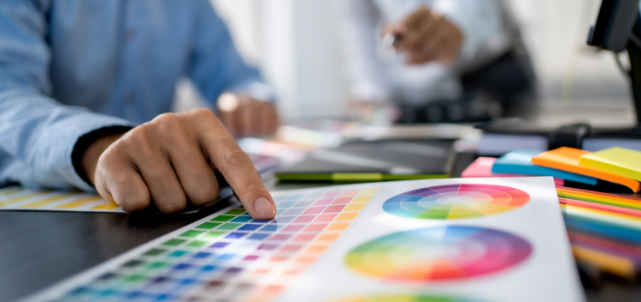
Elements such as gradients, fine details, and overlapping colors should be reviewed carefully to determine how they will translate during printing. What appears correctly on a screen may require adjustments to achieve the desired result on the final printed piece.
Understanding the relationship between design and production allows teams to create artwork that is visually accurate and technically prepared.
Include Proper Layout and Print Marks
Small details in file setup can make a significant difference during production. Crop marks, bleed areas, and other layout elements provide important guidance for accurate printing and finishing.
Crop marks indicate where a printed piece should be trimmed, while bleed areas ensure that artwork extends far enough beyond the final edge to avoid unwanted borders.
Proper file organization also helps production teams quickly identify important information. Clear naming conventions, organized layers, and correctly labeled colors can make the prepress process more efficient.
Review Digital Proofs Before Production
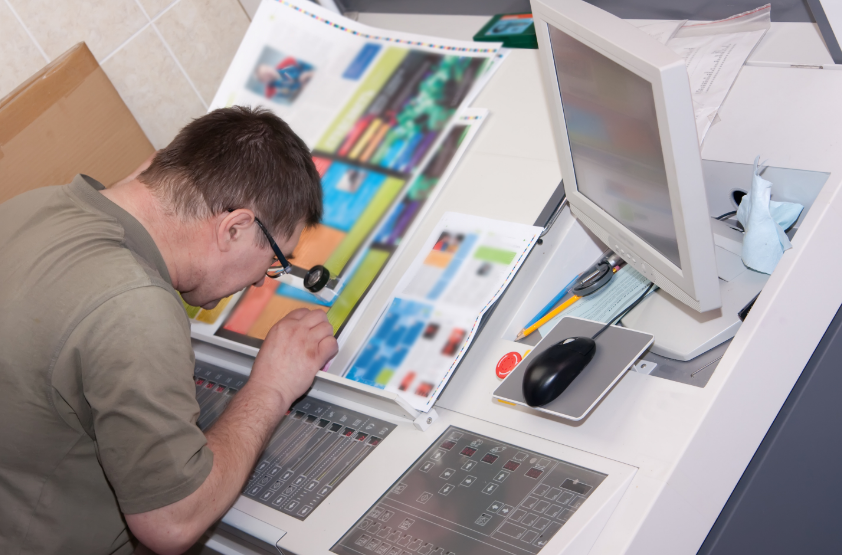
Final proofing is one of the most important steps in prepress. A digital proof provides an opportunity to review the artwork before production begins and confirm that all elements appear as intended.
Proofs allow designers, customers, and production teams to review layout, colors, text, and other details before committing resources to a print run.
Taking the time to carefully review a proof can prevent costly corrections later. It also creates alignment between everyone involved in the project before the final print is produced.
Consider Prepress Automation Technology
While many prepress tasks can be managed manually, technology continues to transform how print shops prepare artwork and move files into production.
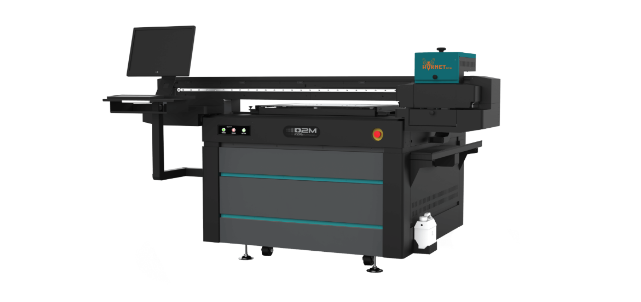
Modern prepress equipment and automation solutions help reduce repetitive steps, improve accuracy, and create more consistent results. For screen printing operations, technologies such as computer-to-screen systems can streamline the process of transferring artwork onto screens by reducing manual handling and improving registration.
Advanced solutions, including direct-to-mesh technology, continue to simplify screen preparation by reducing the number of steps required between digital artwork and a production-ready screen.
For shops looking to increase efficiency, automation can help create a more predictable workflow while reducing opportunities for human error.
Build a More Reliable Prepress Workflow
Strong prepress practices create the foundation for efficient production. From selecting the right file formats to reviewing final proofs and exploring automation solutions, each step contributes to the quality of the finished product.
A well-organized prepress workflow saves time, reduces waste, and helps ensure that every print job meets expectations.
EXILE Technologies specializes in providing advanced prepress equipment and solutions designed to help screen printers improve accuracy, consistency, and efficiency. From computer-to-screen systems to other innovative technologies, EXILE helps print professionals optimize their workflows and prepare every job for a successful production run.